
LASER LANCER
SWING TUTORIAL:
NOTES FOR WEB BUILD:
This game switches between different mouse modes that don't play very well in web, so you may come across moments where you can't turn because the mouse left the game iframe or something like that, so desktop is the most optimal play option imo.
++++++++++++++++++++++++++++++++++++++++++++++++++++++++++++++
   /    /|   /‾‾‾ /‾‾‾ /‾‾‾/   /    /|   /|  / /‾‾‾ /‾‾‾ /‾‾‾/
  /    /-|   --  /--  /--=    /    /-|  / | / /    /--  /--=
 /___ /  | ___/ /___ /   /   /___ /  | /  |/ /___ /___ /   /
++++++++++++++++++++++++++++++++++++++++++++++++++++++++++++++
//////////////////////////////////////////////////////////////
/////////////////////////// ABOUT ////////////////////////////
//////////////////////////////////////////////////////////////
==============================================================
+ MISSION:
--------------------------------------------------------------
DEFEND THE CENTRAL GENERATOR FROM THE SELF DESTRUCTING
GRENOIDS USING YOUR MAGNET RAY AND PRIMARY WEAPON, THE ARMOR
CUTTING LASER LANCER.
==============================================================
==============================================================
+ YOUR WEAPONS
--------------------------------------------------------------
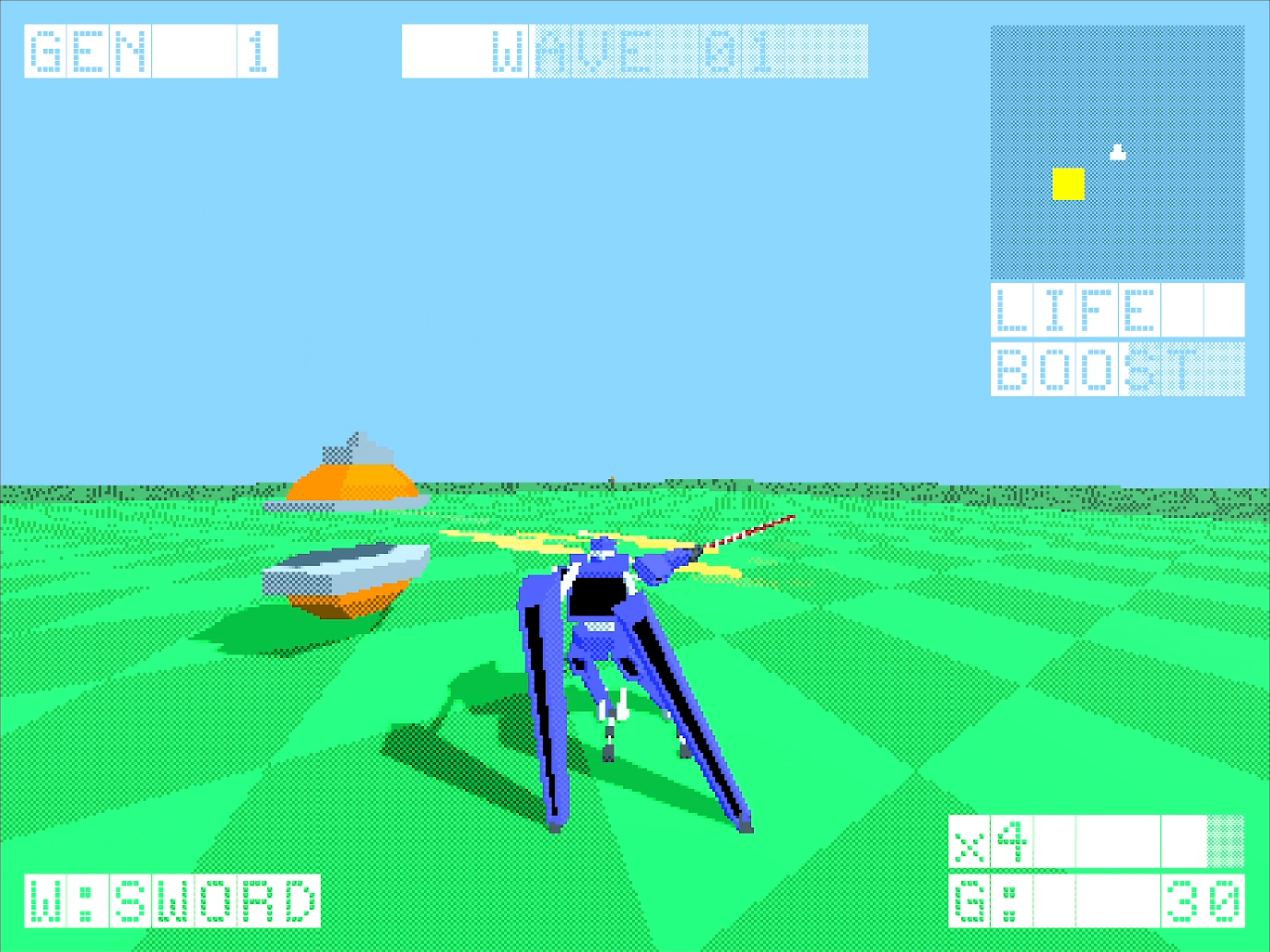
LASER LANCER:                   YOUR MAIN WEAPON. CONTROLLED
                                BY YOUR MOUSE MOVEMENT, THIS
                                WEAPON WILL SLICE YOUR ENEMIES
                                IN WHATEVER DIRECTION YOU
                                CHOOSE.
--------------------------------------------------------------
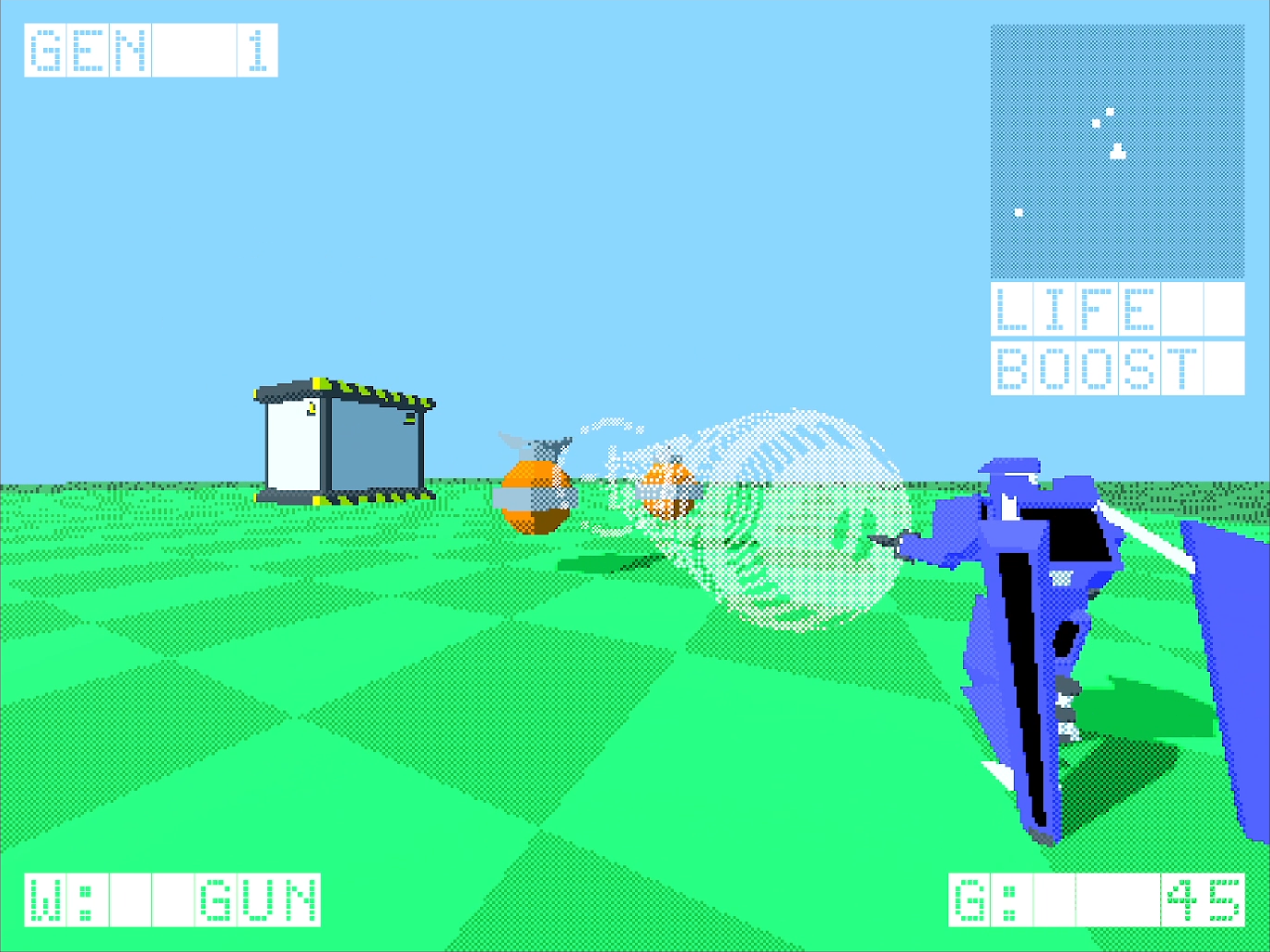
MAGNET RAY:                     WILL PULL ENEMIES WITHIN ITS
                                MAGNETIC FIELD TOWARDS YOU.
                                USEFUL FOR GETTING THEM AWAY
                                FROM GENERATORS AND LINING
                                THEM UP FOR COMBOS.
==============================================================
==============================================================
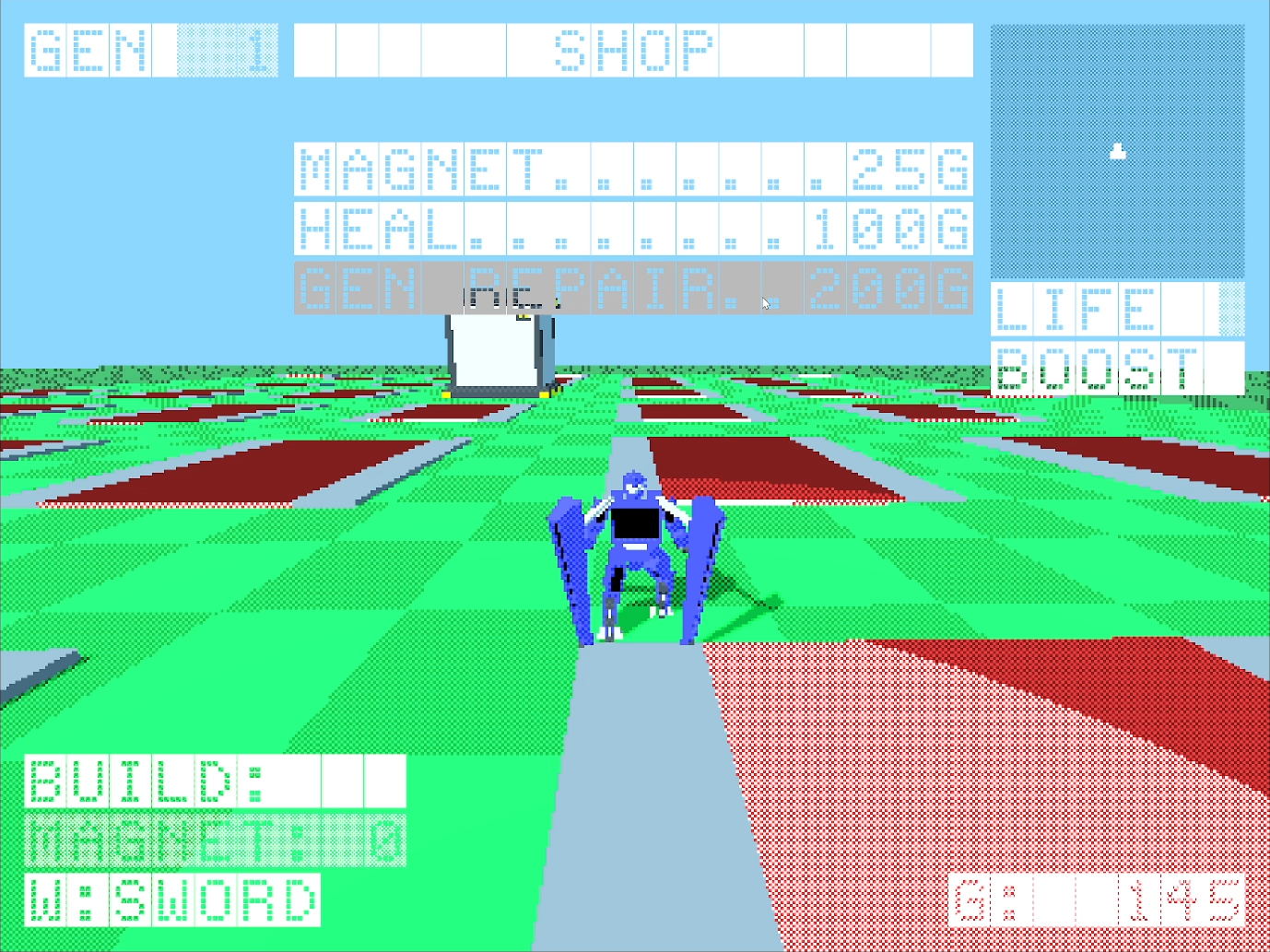
+ SHOP
--------------------------------------------------------------
MAGNET TILE (25G):              SLOWS DOWN ENEMIES WITHIN
                                GRID CELL. CAN HELP YOU GATHER
                                THEM UP FOR A COMBO.
--------------------------------------------------------------
HEAL (100G):                    FILLS YOUR HEALTH TO MAX
--------------------------------------------------------------
GEN REPAIR (200G):              FILL GENERATOR HEALTH TO MAX
==============================================================
==============================================================
+ COMBO SYSTEM
--------------------------------------------------------------
THE COMBO SYSTEM IN LASER LANCER IS SIMPLE. ONCE YOU CUT DOWN
AN ENEMY A TIMER WILL BEGIN WITH A GOLD MULTIPLIER ON THE
BOTTOM RIGHT OF THE SCREEN. CUT DOWN AN ENEMY BEFORE THE TIMER
RUNS OUT AND YOU'LL GET THEIR GOLD OUTPUT TIMES THE
MULTIPLIER. THE TIMER WILL SHRINK BY HALF WITH EACH ENEMY
DESTROYED DURING YOUR COMBO, SO GET THEM IN CLOSE PROXIMITY.
--------------------------------------------------------------
DESTROY ENEMY 1                 NO MULTIPLIER (x1)
--------------------------------------------------------------
DESTROY ENEMY 2                 x2
--------------------------------------------------------------
DESTROY ENEMY 3                 x3
--------------------------------------------------------------
DESTROY ENEMY 4                 x4
--------------------------------------------------------------
...
--------------------------------------------------------------
DESTROY ENEMY N                 xN
==============================================================
==============================================================
+ ENEMIES
--------------------------------------------------------------
GRENOID:                        FLYING EXPLOSIVE MINES WITH
                                ONE OBJECTIVE: DESTROY THE
                                DESTROY THE CENTRAL GENERATOR.
                                GET TOO CLOSE YOURSELF AND
                                THEY'LL SELF DESTRUCT AS WELL.
                                THEY CAN ONLY BE DESTROYED
                                WITH YOUR LASER LANCER. PULL
                                THEM IN WITH YOUR MAGNET RAY
                                TO GET THEM AWAY FROM THE
                                GENERATOR OR LINE THEM UP FOR
                                COMBOS.
--------------------------------------------------------------
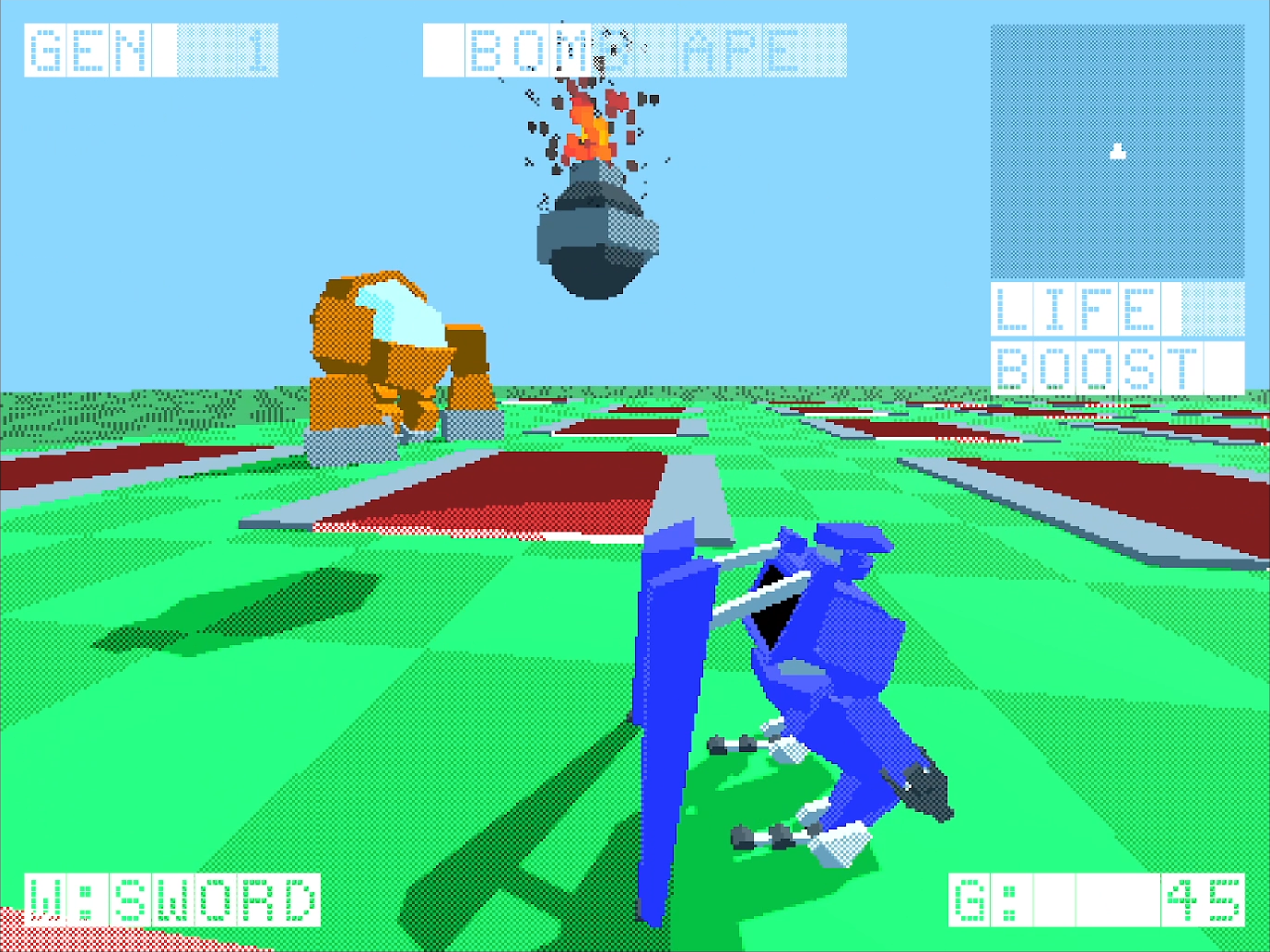
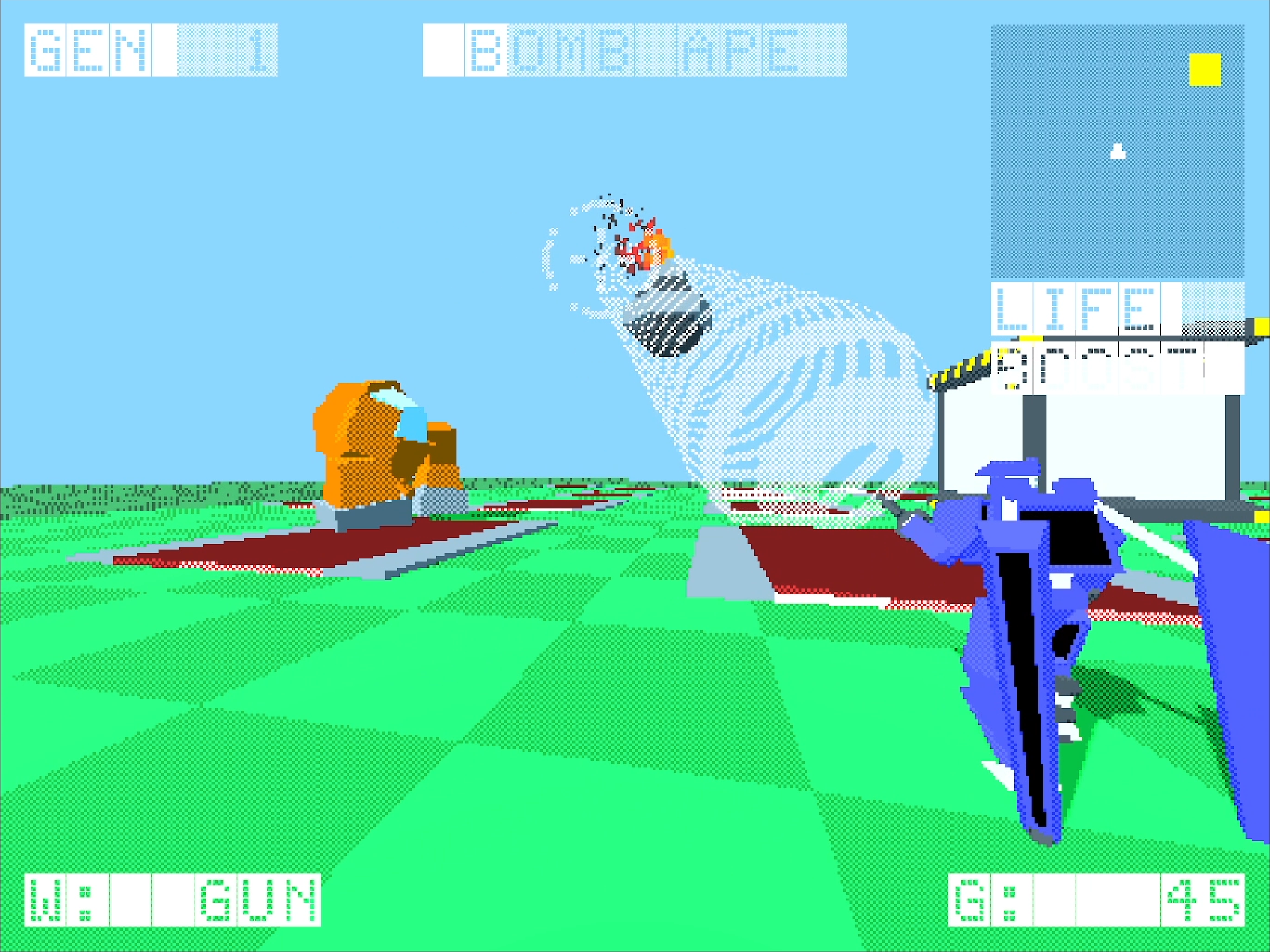
BOMB APE:                       A HULKING MECH WITH AN
                                UNLIMITED SUPPLY OF APE BOMBS.
                                YOUR LASER LANCER WONT BE ABLE
                                DAMAGE IT OR THEIR BOMBS, BUT
                                PERHAPS WITH BOTH YOUR MAGNET
                                RAY AND LANCER YOU COULD GIVE
                                IT A TASTE OF THEIR OWN
                                MEDICINE!
==============================================================
//////////////////////////////////////////////////////////////
////////////////////////// CONTROLS //////////////////////////
//////////////////////////////////////////////////////////////
==============================================================
+ GENERAL
--------------------------------------------------------------
PAUSE:                          BACKSPACE(WEB)/ESCAPE(DESKTOP)
--------------------------------------------------------------
MOVE:                           W/A/S/D
--------------------------------------------------------------
AIM WEAPON:                     HOLD RIGHT MOUSE BUTTON
--------------------------------------------------------------
BOOST:                          HOLD LEFT SHIFT
--------------------------------------------------------------
SWITCH BETWEEN GUN & SWORD:     LEFT TAB
MODE
--------------------------------------------------------------
HOP (DOES NOTHING PRACTICAL):   SPACE BAR
==============================================================
==============================================================
+ SWORD AIM
--------------------------------------------------------------
SLASH (IN SWIPE DIRECTION):     HOLD LEFT CLICK + SWIPE MOUSE
                                (SLASHES IN SWIPE DIRECTION)
==============================================================
==============================================================
+ GUN AIM
--------------------------------------------------------------
ACTIVATE MAGNET RAY:            HOLD LEFT CLICK
                                (PULLS IN ENEMIES AND
                                PROJECTILES)
==============================================================
==============================================================
+ WAITING FOR NEXT WAVE:
--------------------------------------------------------------
LAY DOWN TILE:                  LEFT CLICK ON EMPTY GRID CELL
--------------------------------------------------------------
SPEED UP NEXT WAVE TIMER:       HOLD SPACE BAR
==============================================================
//////////////////////////////////////////////////////////////
////////////////////////// CREDITS ///////////////////////////
//////////////////////////////////////////////////////////////
==============================================================
+ DEVELOPERS
--------------------------------------------------------------
GORO                            PROGRAMMING/ART/SOUND
==============================================================
==============================================================
+ ASSETS/LIBRARIES
--------------------------------------------------------------
FONT                            ERBOS DRACO 1ST NBP
--------------------------------------------------------------
GODOT 4 CONCAVE MESH SLICER BY PICODE
https://godotengine.org/asset-library/asset/1812
==============================================================
Download
Comments
Log in with itch.io to leave a comment.
Good mechanics, fun to play for a few minutes, at least without the tile placing. I couldn’t place/buy any tiles. If you could explain it clearer in the description, it would be great. If it’s a bug, hope you can solve it!
Adding it to my collection and I’m also following you, to get update notifications.
Thanks for playing! Appreciate you giving it a shot even with the lack of tiles.
The shop is only accessible between waves, so when the "next wave timer" is ticking, you can pause to access it. The pause button is different depending on if you're playing the web browser build (Backspace) or the desktop build (Escape).
Escape feels like a more natural pause button, BUT when you hit the button on web it can affect things like full screen and mouse mode, so I decided to make backspace a substitute on web.
Once you pause you'll be able to click on whichever items you want to buy (If you have enough gold for it).
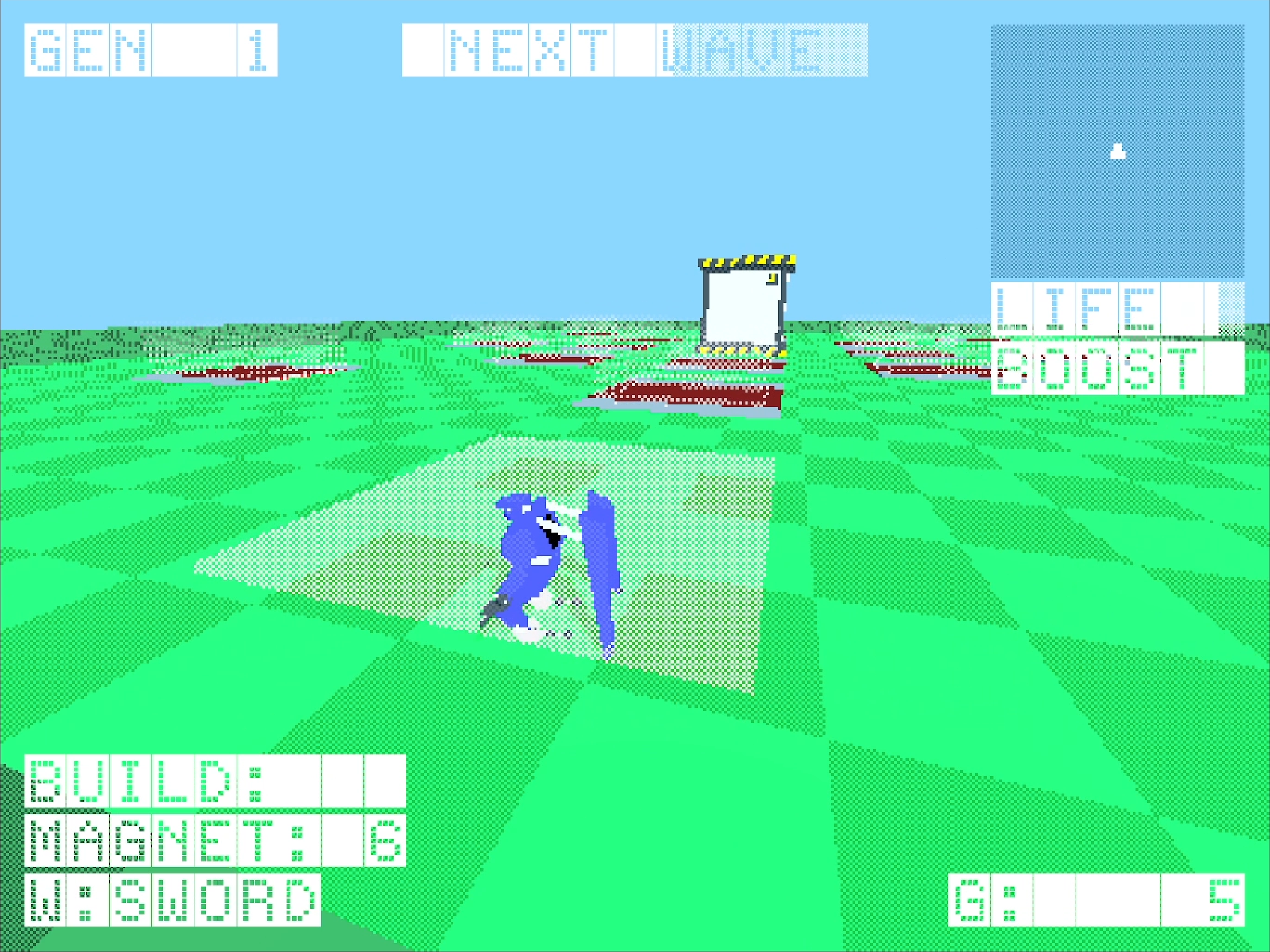
Once you buy some tiles, you can un-pause, and place them in any grid cells that are empty. You'll know you can place a tile by it's preview mesh (Just a white dither silhouette). Left click to place down a tile:
Screenshots I wanted to added but Itch was complaining about them:
Shop:
Preview Tile: